Where the plan becomes real, one checked step at a time
Now Claude writes the code, working down the plan one small piece at a time. Your job isn't to read it. It's to check each piece does what the spec promised, before moving to the next. Small steps, verified as you go, so a wrong turn costs minutes and not the whole project.
You don't read the code. You use it.
When Claude finishes a piece, you don't check it by reading code, you check it the way you'd use it. Three questions, every time.
What building actually looks like
This is the real trail of Retention Pulse getting built. Not one giant "make me an app", but dozens of tiny, named, finished steps, each checked before the next. Read it top to bottom and you can watch the app appear.
Forty-odd steps like these built the whole app. Each one small enough to finish and check in a sitting. That's the secret: not big leaps, just a lot of small, sure ones.
Building is a conversation. Here's how to talk to it.
When a piece comes back wrong, or it drifts, or an error pops up, you don't need code to fix it. You need clear, specific, early feedback, the same way you'd steer any good collaborator.
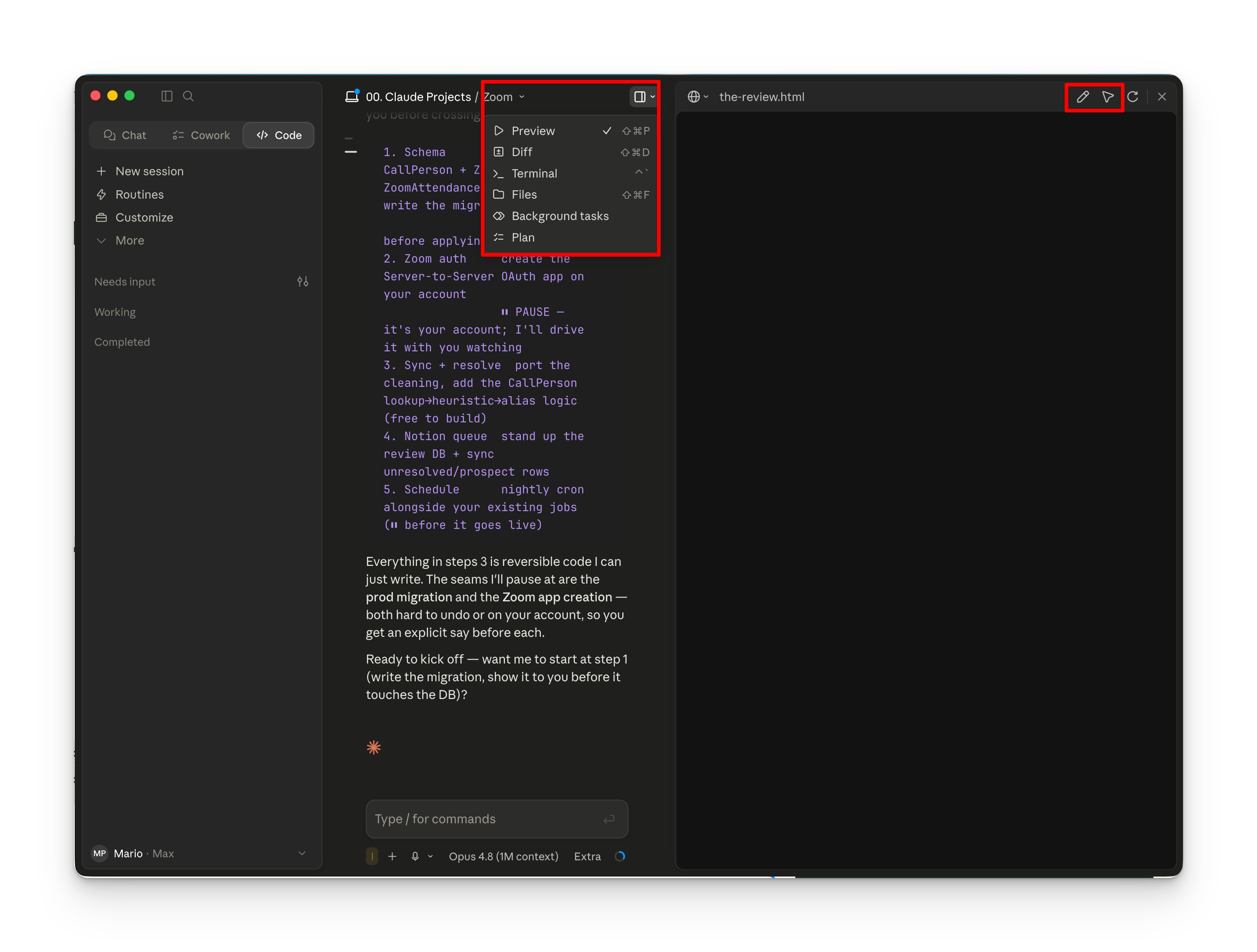
Don't describe it. Point at it.
Your live preview has two tools that let you give feedback without fumbling for words. Reach for these constantly.
- Annotate, draw straight on the preview to circle or mark what's off.
- Select element, click the exact thing, and Claude knows precisely what you mean.
- It does too much at once"Slow down. One piece at a time."
- It builds things you didn't ask for"Keep it simple. Just do this one thing."
- It assumed something you didn't want"Actually, I meant this, not that."
- It lost the threadpoint it back to your progress note.
- An error appears (red text)don't panic. Paste it in. It'll fix it.
None of this is technical. Honestly, it's exactly how this guide got built: small, specific corrections, one after another, until it was right.
Every one of those steps got written down as you went
Which is how you come back next week and pick up exactly where you left off, instead of re-explaining the whole thing. That's the next tab.